Flows
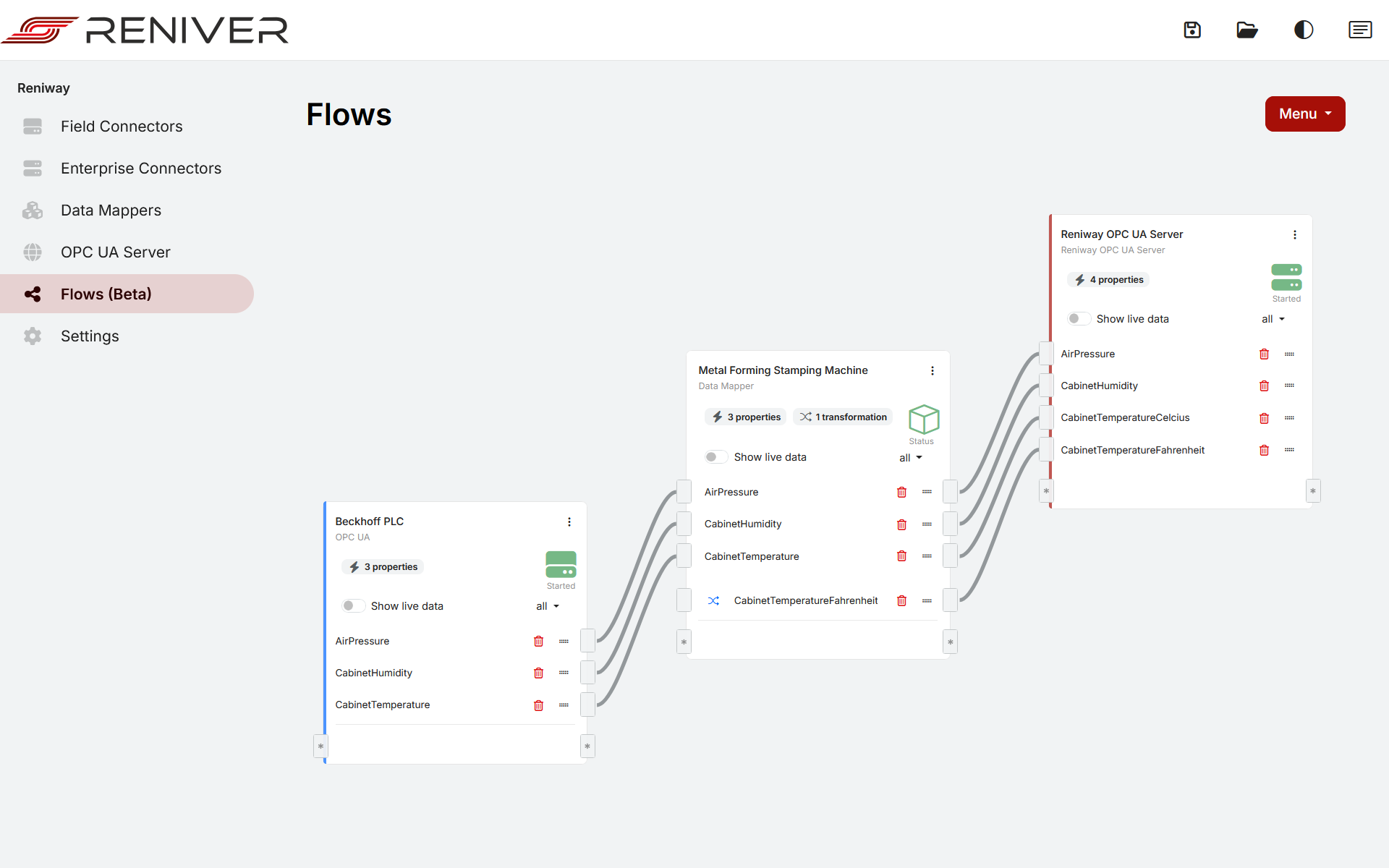
Using the flows page
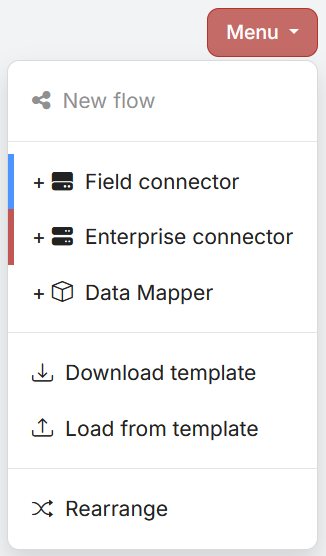
Connectors and data mappers can be added through the menu in the top right corner.
Connectors
Connectors can be added through the menu in the top right corner by clicking Field Connector or
Enterprise Connector. The connectors are color coded, field connectors are blue and enterprise connectors are red.
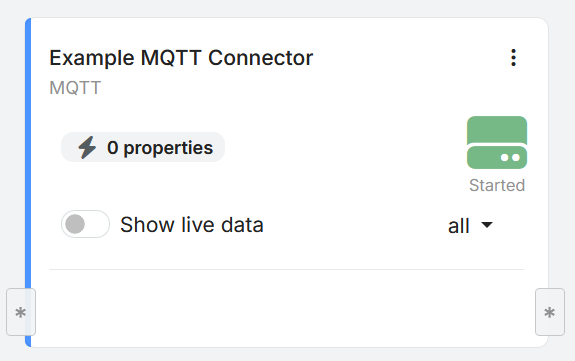
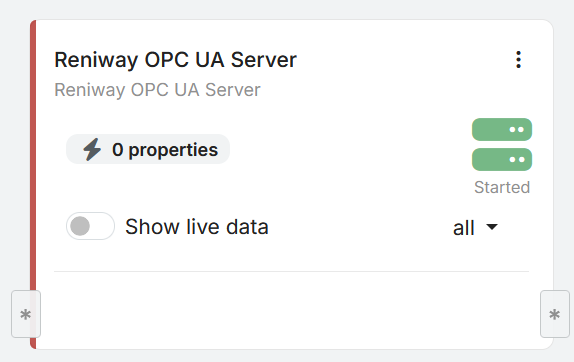
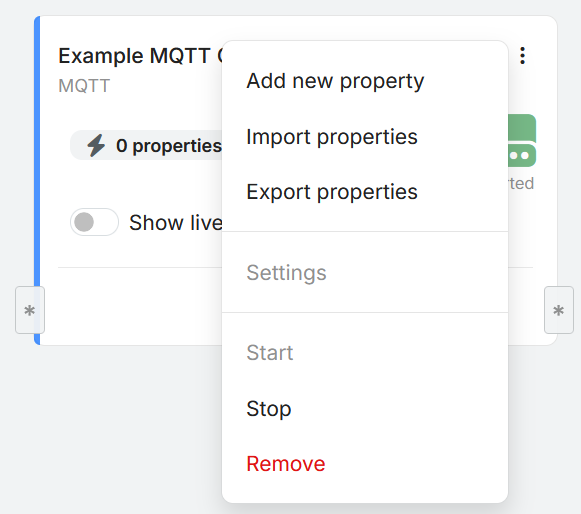
Each connector has a dropdown menu through which all functionality pertaining to the connector can be accessed.
Data Mappers
Data mappers can be added through the menu in the top right corner by clicking Data Mapper
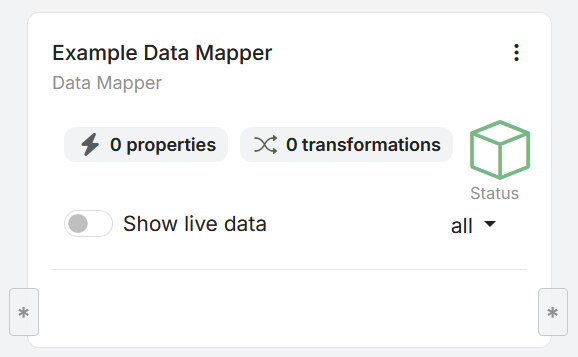
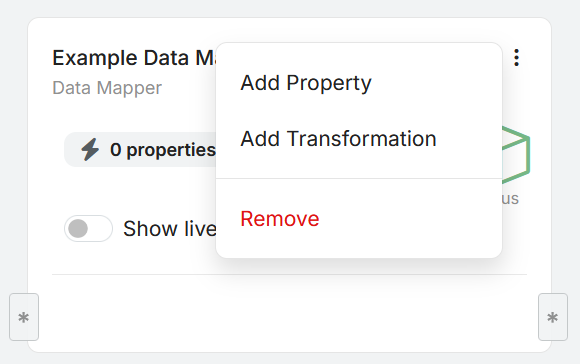
Each data mapper has a dropdown menu through which all functionality pertaining to the data mapper can be accessed.
Stream Processing
Stream processing blocks can be added through the flow menu when you want to calculate analytics on live value streams.
They receive one or more inputs, buffer incoming values, apply the selected stream processing function, and expose the calculated result on their outputs.
Typical use cases include moving averages, Z-score calculations, and anomaly detection for predictive maintenance or machine condition monitoring.
For more detail, see Stream Processing Blocks.